 Filter Search
Free Jellyfin plugin · Jellyfin 12.2 · MIT
Search inside Jellyfin's filter menu.
Find any tag in a keystroke.
Filter Search is a free, open-source Jellyfin plugin that adds a search box to the library filter menu. Type a few letters to find any tag, genre, studio or year, keep what you picked pinned at the top, and select or clear everything that matches in one click. Works in the Jellyfin 12 modern web UI and the legacy layout, with no extra setup: install, restart, done.
Type to find any filter — no more endless scrolling
Jellyfin lists every tag, genre and studio of a library in one long column. With a few hundred tags, finding the one you want means scrolling and squinting. Filter Search puts a search box at the top of each filter section; the list narrows down with every keystroke.
- Matches anywhere in the name, upper or lower case
- Appears in every section with five or more options
- The search box stays visible while you scroll the list
- A clear “No matches found” instead of an empty list
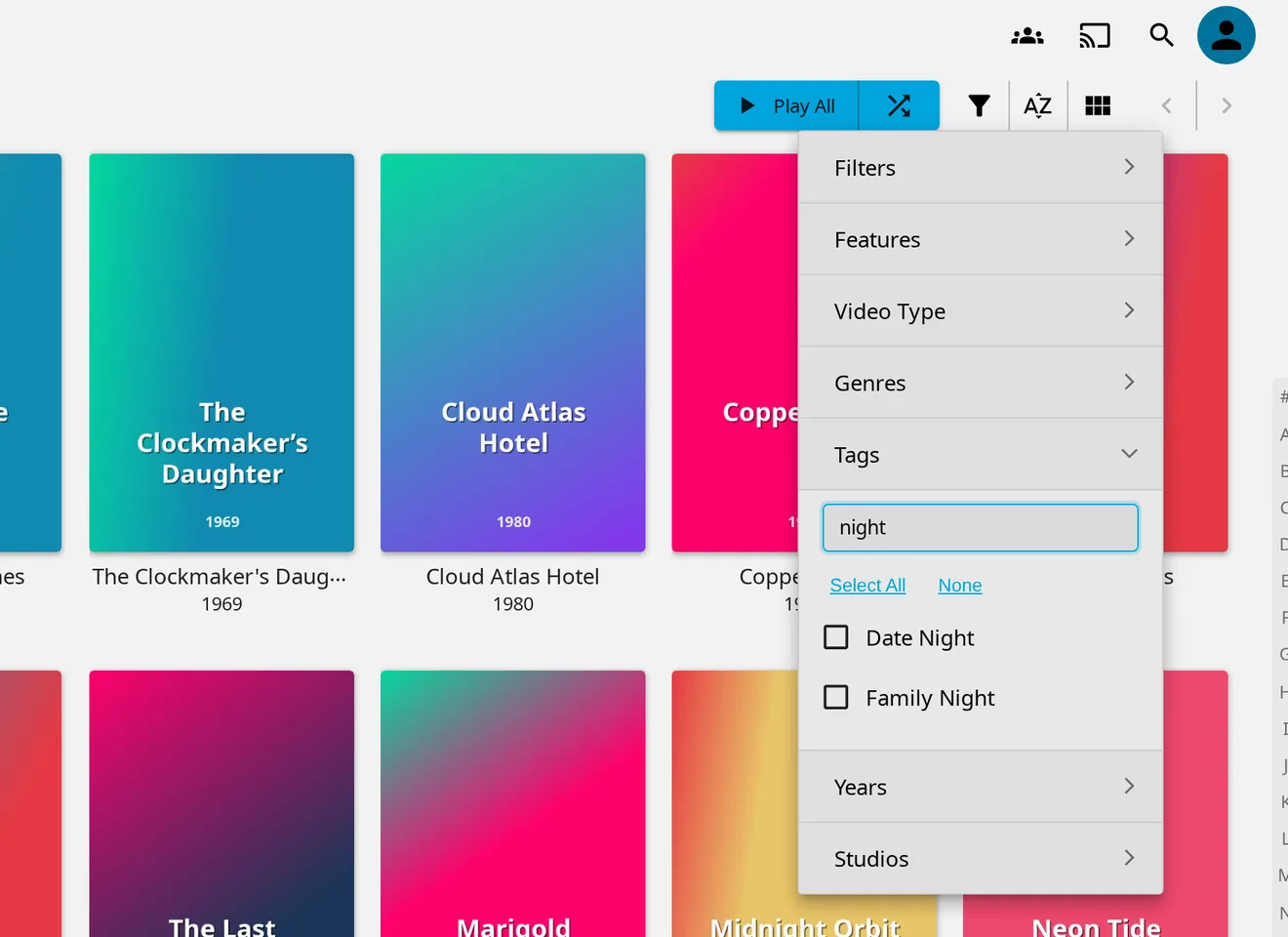
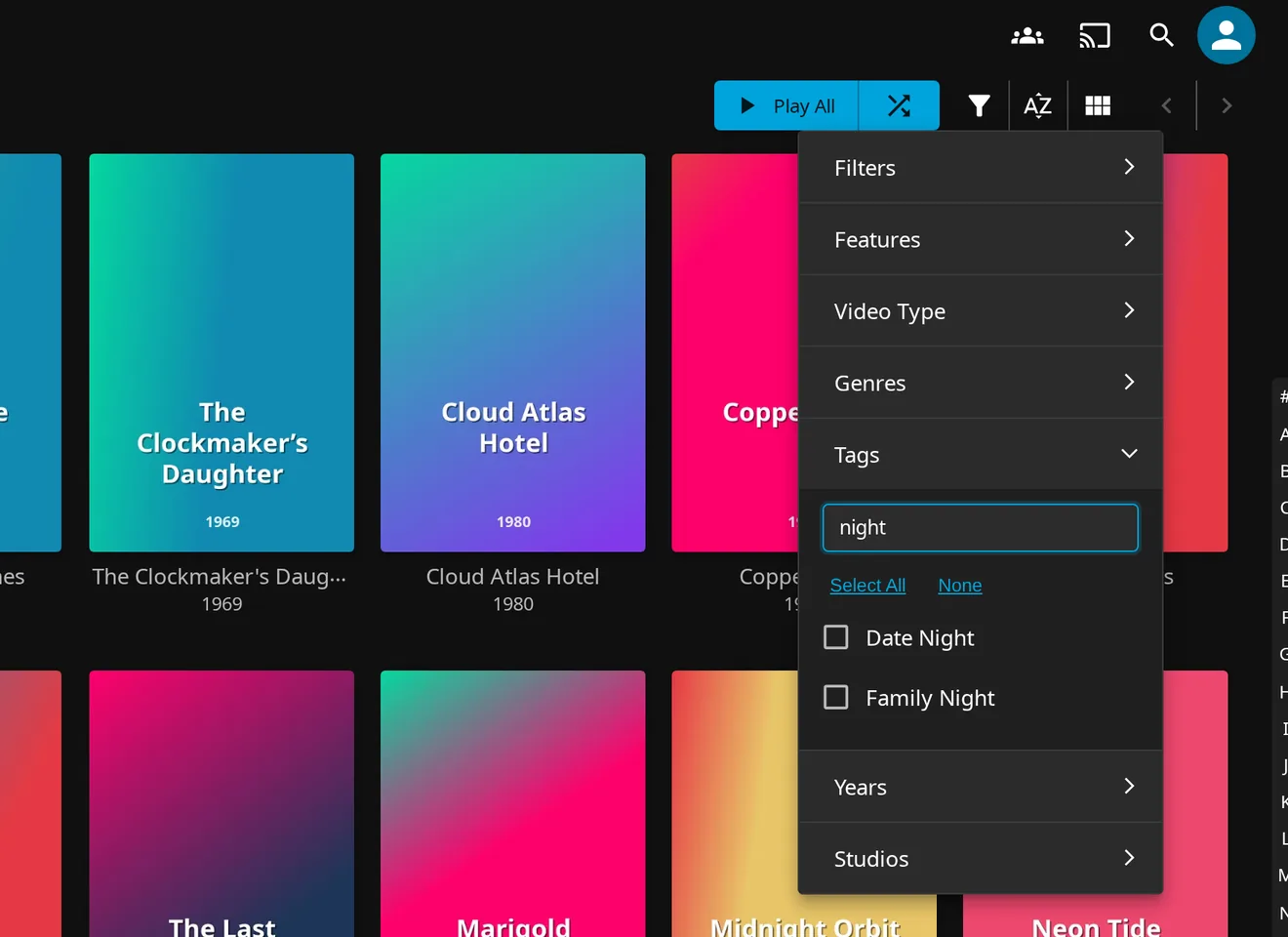
What you picked stays at the top
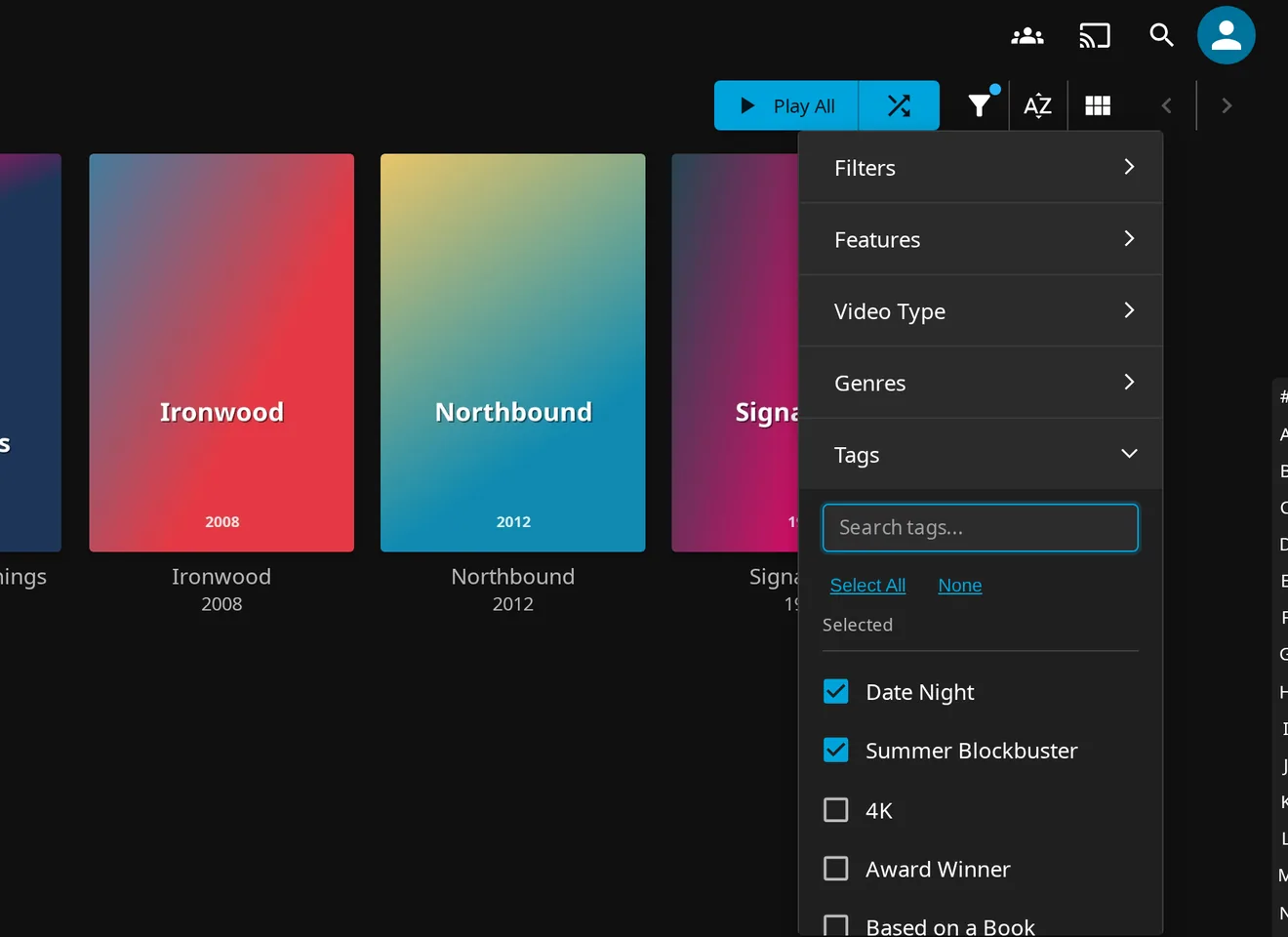
Checked filters move into a “Selected” group at the top of the section, so you always see what is active — even after clearing the search. Uncheck one and it drops back into the list.
- Selections stay visible above the full list
- The heading hides while your search hides every selected item
- Works the same for tags, genres, studios and years
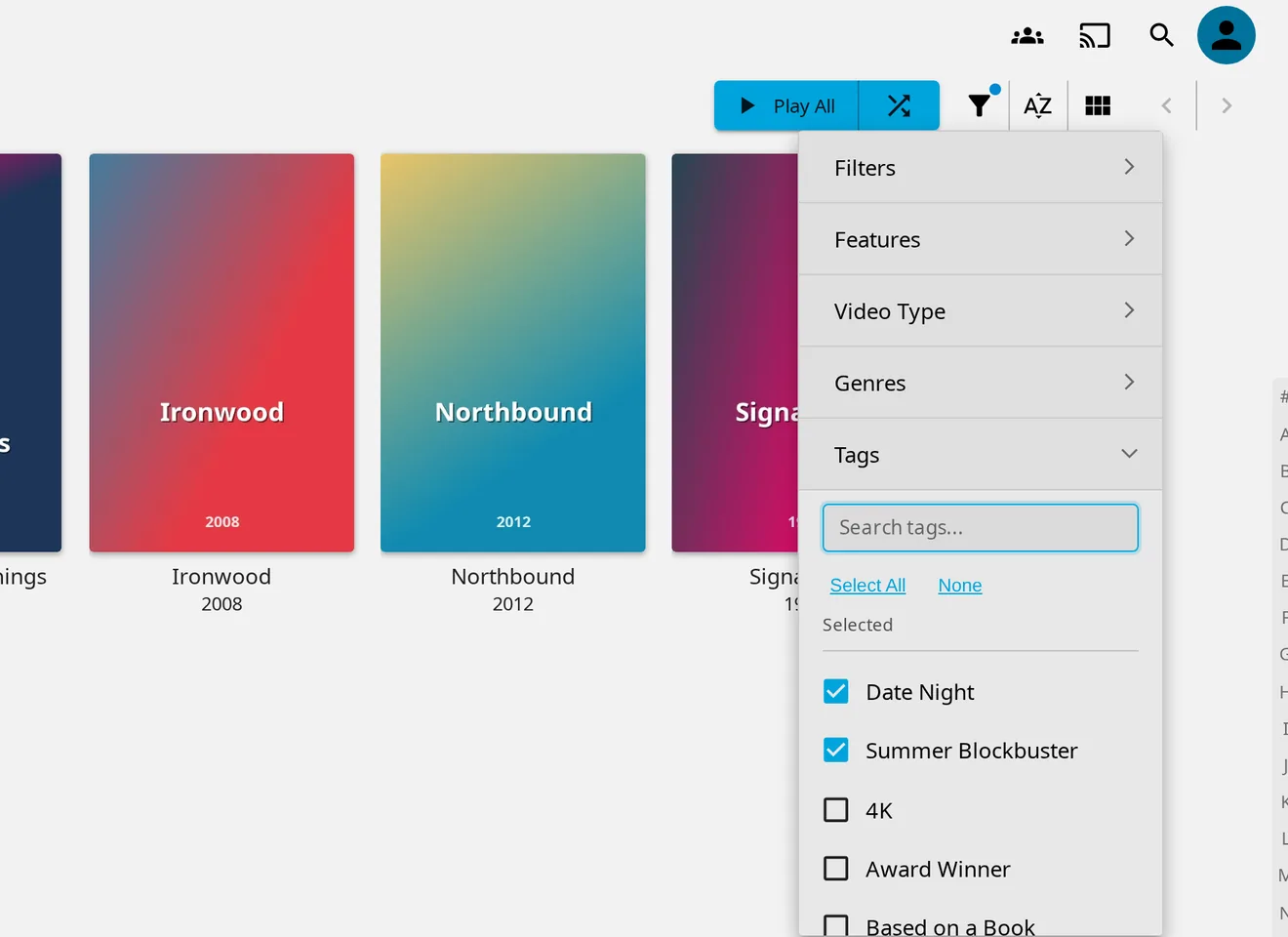
Select everything that matches — or nothing
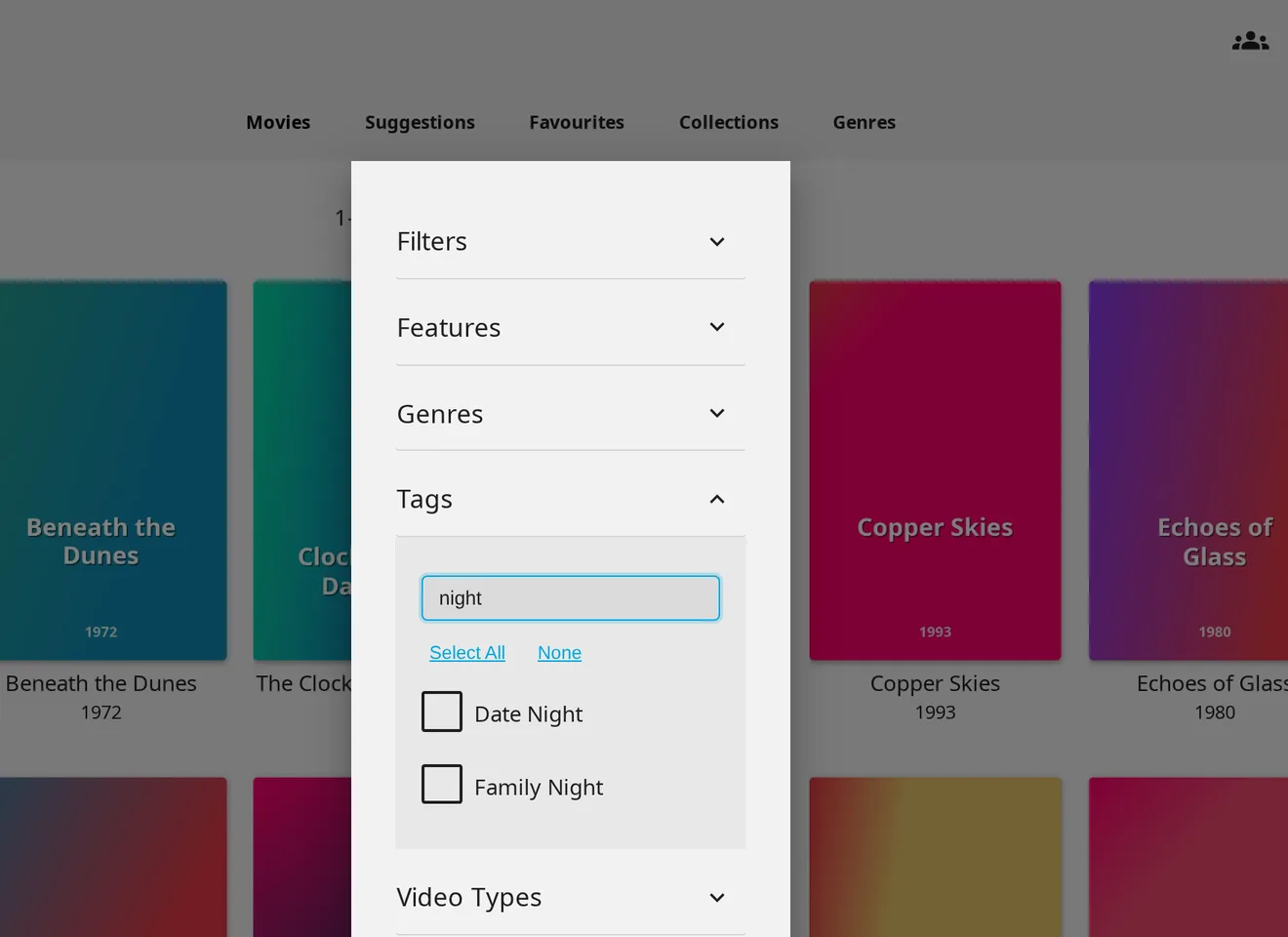
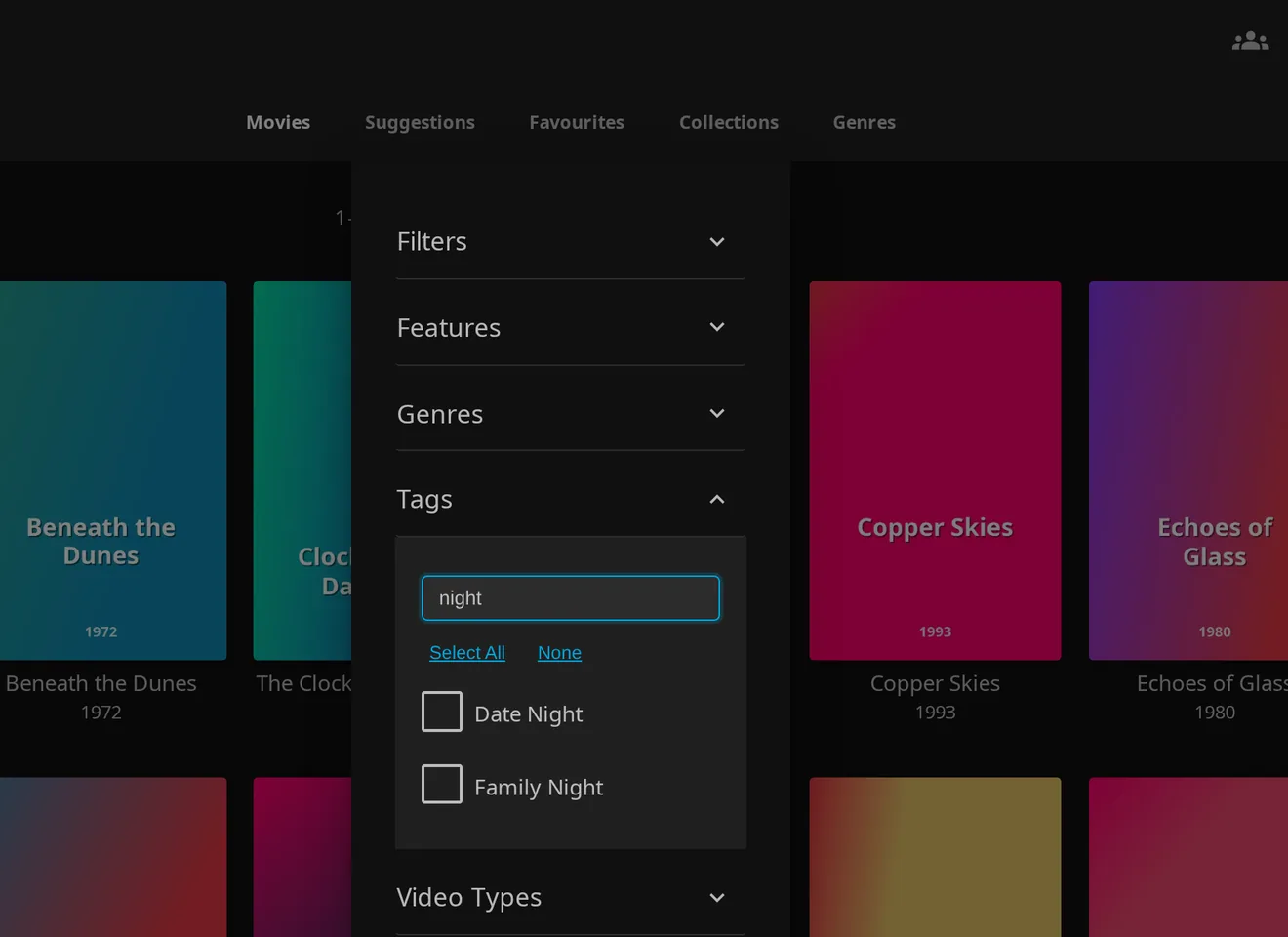
Select All and None act on the options that match
your current search. Type night, press Select All, and every
night-themed tag is active. Press None to start over.
- Combine search and Select All for bulk filtering
- Progress shown while many filters are applied
- Available in Genres, Tags, Years, Studios, Parental ratings and languages
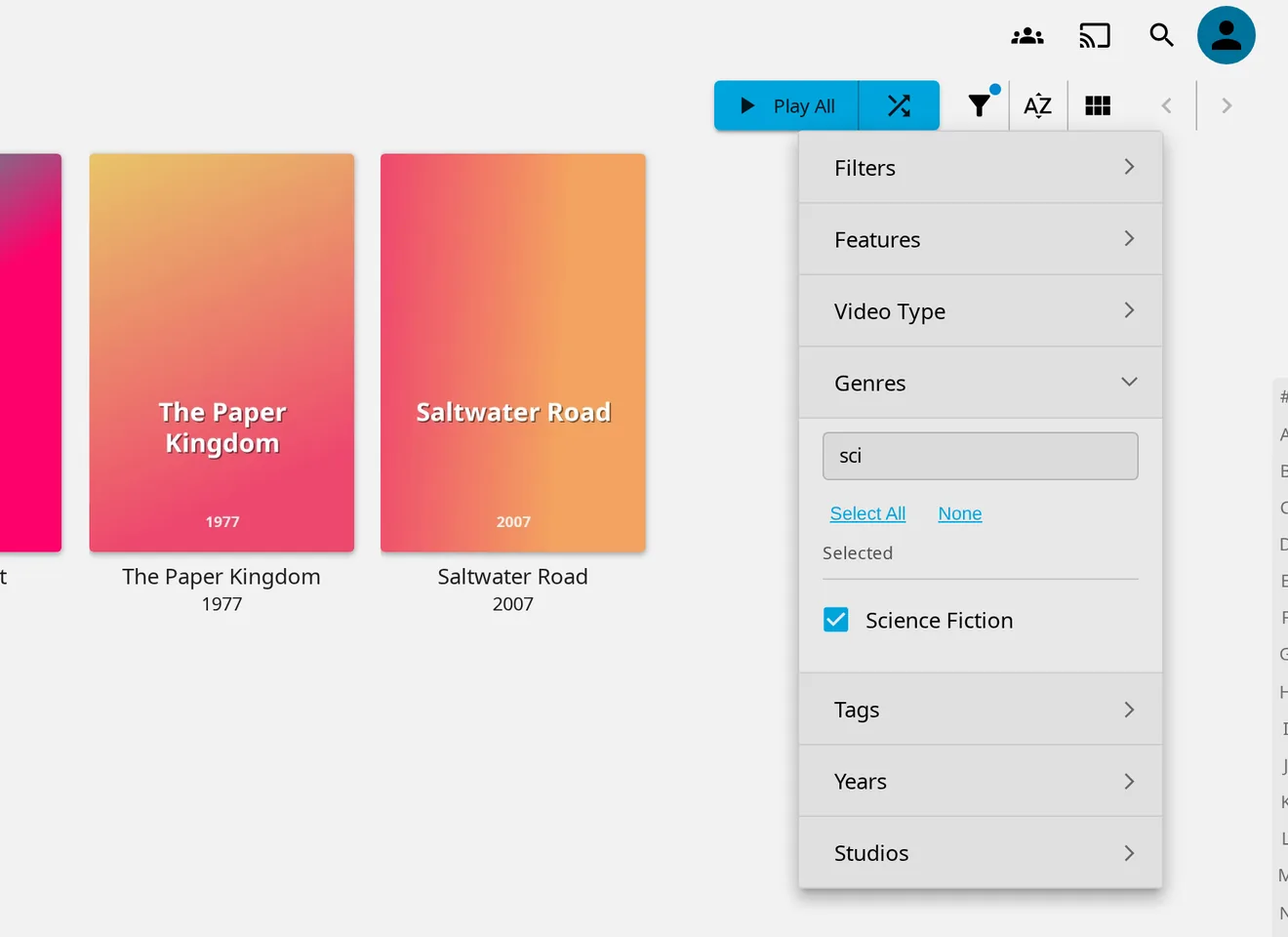
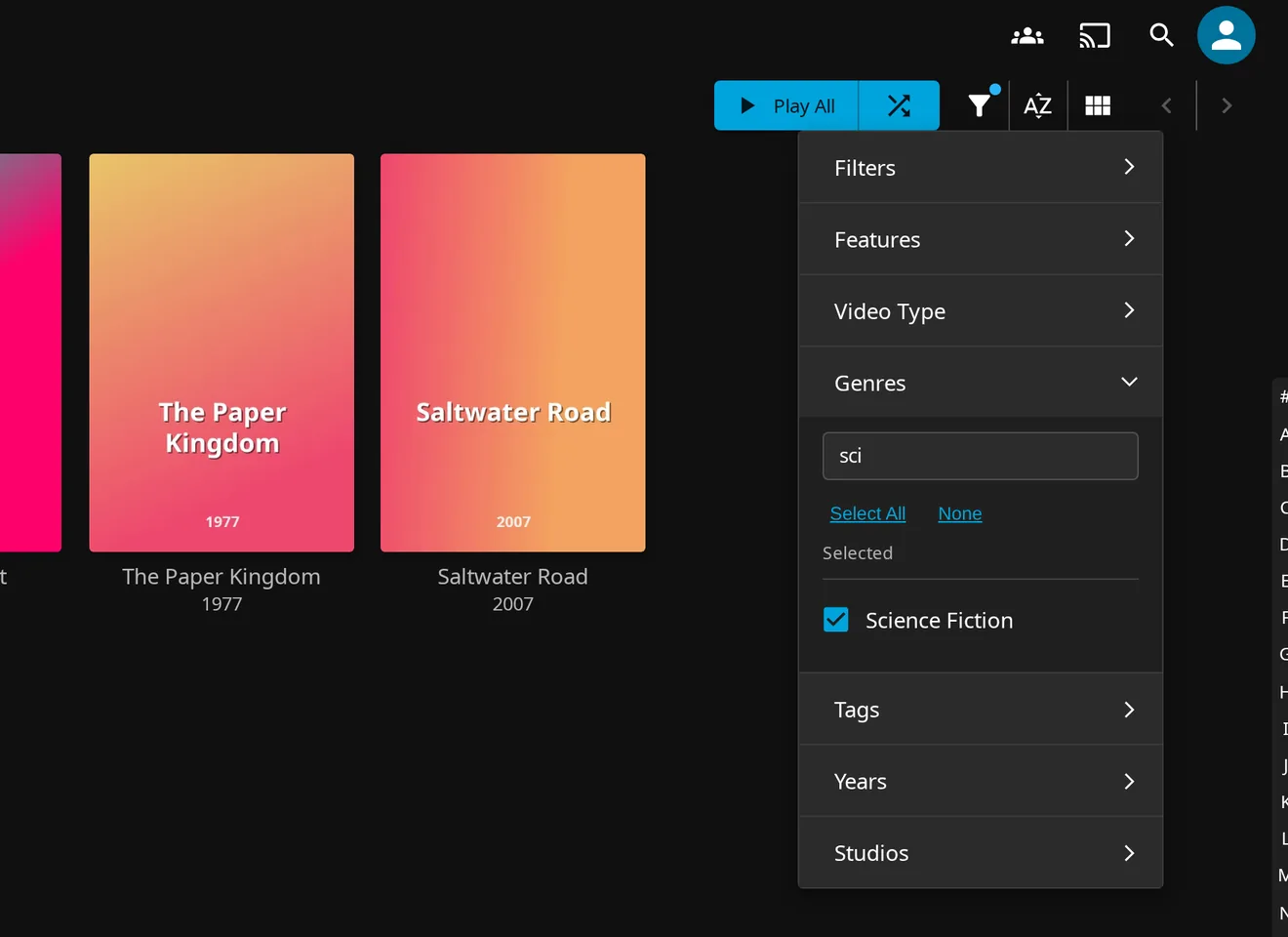
Modern UI or Legacy Desktop — both covered
Jellyfin 12 ships a new modern web UI and keeps the classic Legacy Desktop display mode. Filter Search detects whichever one you use and adds the same search, Select All / None and “Selected” group to it.
- Default modern layout in Jellyfin 12.2
- Legacy Desktop display mode
- Follows Jellyfin's dark and light themes
Small plugin, out of your way
Fast with big libraries
One small script of about 27 KB (6 KB compressed) that only watches for the filter menu to open. Filtering 3,000 tags takes well under a tenth of a second.
Your library stays untouched
Filter Search only changes how the filter menu looks in the web client. It never edits media, metadata or your Jellyfin database.
Free and open source
MIT licensed, developed in the open on GitHub. Ideas and bug reports are welcome in the issue tracker.
Install Filter Search in Jellyfin
Add the plugin repository once, install from the catalog, restart. No file permissions, no second plugin, and updates arrive through Jellyfin's normal plugin updates.
-
Add the plugin repository
In Jellyfin, open Dashboard → Plugins → Repositories and add this URL:
https://raw.githubusercontent.com/rimseg/jellyfin-filter-search/main/manifest.json -
Install from the catalog
Open Catalog, find Filter Search and install the latest version for your Jellyfin release.
-
Restart and open a library
Restart Jellyfin, open any library, click the filter button and expand Tags, Genres or Studios — the search box is right there.
Upgrading from 1.x? 2.0 never adds anything to
index.htmlon disk. On first start it removes the block 1.x wrote there, if the file is writable. You can revert an earlierchown. If you mounted a copy ofindex.htmlas a Docker volume, remove that mount: the copy goes stale with every Jellyfin update. Filter Search no longer needs File Transformation; keep it if other plugins use it.
| Jellyfin version | Plugin version | Layouts |
|---|---|---|
| 12.2.x | 2.0.0.0 latest | Modern and Legacy |
| 10.11.8 and newer | 1.8.0.0 | Legacy |
| 10.11.0 – 10.11.7, 10.10.7 | 1.7.0.0 | Legacy |
Questions & answers
How do I search tags in Jellyfin's filter menu?
Install the free Filter Search plugin. It adds a search box to each longer section (five or more options) of the library filter menu, so you can type a few letters to find any tag, genre, studio or year instead of scrolling through the whole list.
Does it work with Jellyfin 12 and the new modern web UI?
Yes. Version 2.0.0.0 targets Jellyfin 12.2 and works in the default modern layout as well as the Legacy Desktop display mode. On older servers, Jellyfin's catalog offers the newest version your server supports: 1.8.0.0 for Jellyfin 10.11.8 and newer, 1.7.0.0 for Jellyfin 10.11.0 to 10.11.7 and for 10.10.7.
How do I install the Filter Search plugin?
Add https://raw.githubusercontent.com/rimseg/jellyfin-filter-search/main/manifest.json under Dashboard → Plugins → Repositories, install Filter Search from the catalog and restart Jellyfin. That's all; the install guide above walks through it.
Do I need to change file permissions or install File Transformation?
No. Since version 2.0, Filter Search adds its script while Jellyfin serves the web client and never adds anything to index.html on disk. There is no chown step and no second plugin to install, and Docker works out of the box.
Version 1.x wrote a script block into index.html. 2.0 removes it on first start if the file is writable; if it is read-only, the old block stays and is harmless.
Can I select or clear many filters at once?
Yes. Every filter section with five or more options gets Select All and None buttons. They act on the options that match your current search, so typing “night” and pressing Select All selects every tag that contains night.
Does Filter Search slow down Jellyfin?
No noticeable slowdown. The script is about 27 KB (6 KB compressed) and only watches for the filter menu to open, and filtering a list of 3,000 tags takes well under a tenth of a second.
Does it work in the Jellyfin apps?
It works in any browser and in apps that load the web client from your Jellyfin server. Native apps that draw their own filter screens, and apps that ship their own copy of the web client, are not affected.
Is Filter Search an official Jellyfin plugin?
No. It is an independent, open-source community plugin under the MIT license. It is not affiliated with or endorsed by the Jellyfin project.